



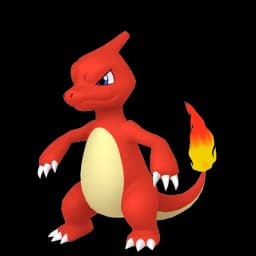
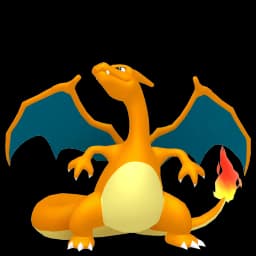

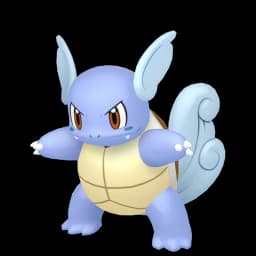
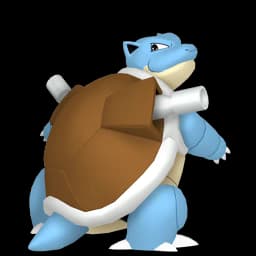












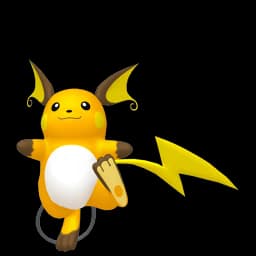
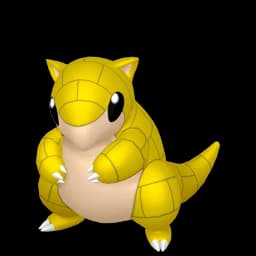
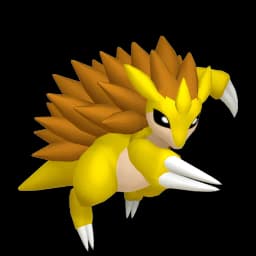


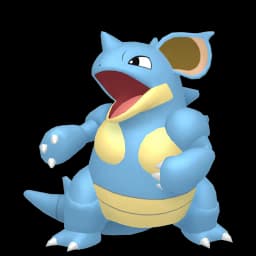
















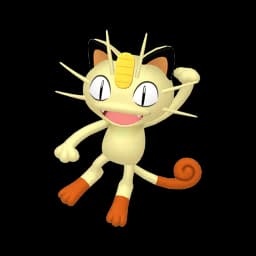
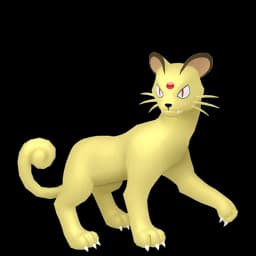
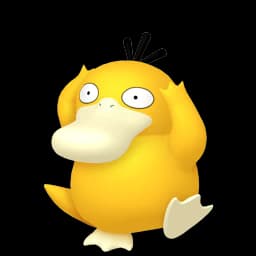
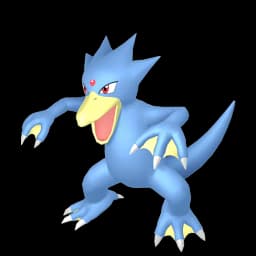






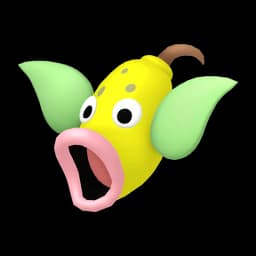


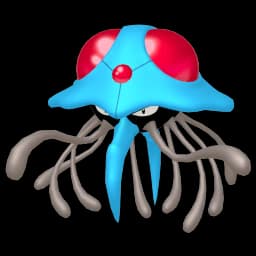

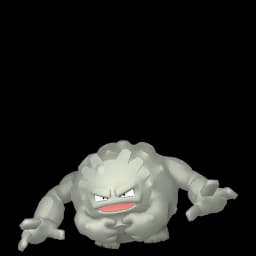
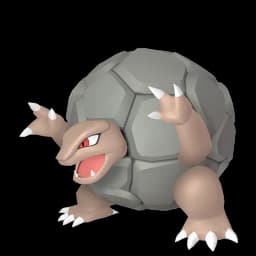

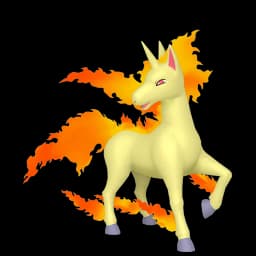

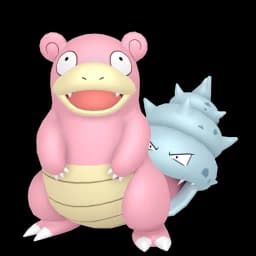



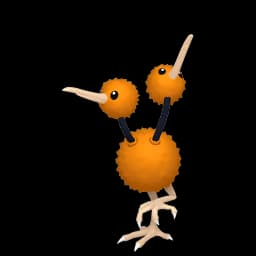
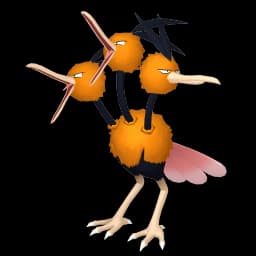









A practical way to build the team
Use this page as a Pokemon Showdown planning layer before opening the battle simulator.
Paste a Showdown export to import Pokemon, items, abilities, moves, EVs, IVs, nature, and Tera Type fields into the six team slots.
After you change the lineup, copy the Showdown export text and continue tuning moves, spreads, clauses, tiers, and legality inside Pokemon Showdown.
The fastest workflow is import, check repeated weaknesses and STAB coverage, replace the weakest slot, then export the draft back out.
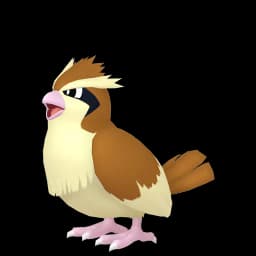
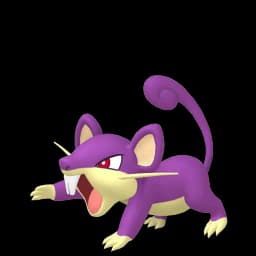
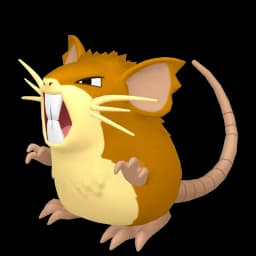
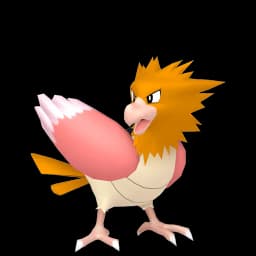
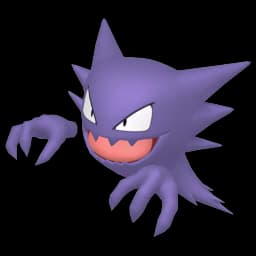
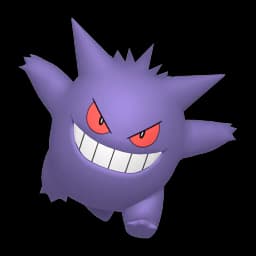
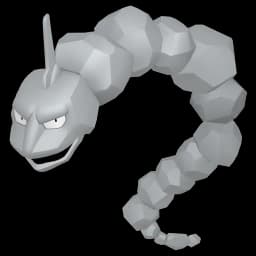
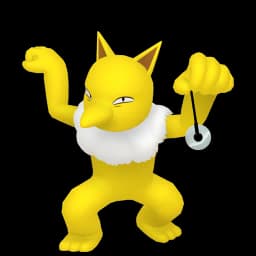
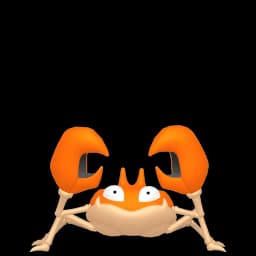
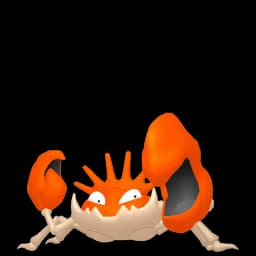
Pokemon worth checking first
These detail pages give each Pokemon its own crawlable home, then link back into the team builder with that Pokemon preselected.







Showdown team planning notes
What this page covers
- This page is built for planning Showdown teams, not replacing play.pokemonshowdown.com.
- Use it to test the six-Pokemon structure, then validate the final set in the format you want to play.
Where to start
- Start with one win condition, then add Pokemon that cover its worst switch-ins and revenge killers.
- Before adding a fifth attacker, make sure the team has a pivot, a defensive answer, or a support slot.
Matchups to respect
- Watch for repeated weaknesses to Ground, Ice, Fairy, Fighting, Fire, and Electric.
- Check whether the team has an answer to setup sweepers, fast special attackers, and bulky pivots.
Rules and mechanics
- Showdown import reads the first Pokemon name in each set block and keeps item, ability, moves, nature, EVs, IVs, and Tera Type fields when they are present.
- Showdown export rebuilds the current six slots as editable text, preserving imported set details for Pokemon that came from the pasted team.
- If you add a Pokemon from the picker, the export uses placeholder move lines so you can finish that set inside Showdown.
Team drafts to start from
Balanced singles start
Hazard pressure, speed, defensive utility, and a late-game closer in one draft.
Bulky offense start
Several switch-ins without giving up offensive pressure.
Questions players usually ask
- Is Pokemon Team Maker official?
- No. Pokemon Team Maker is an unofficial fan-made planning tool and is not affiliated with Nintendo, Game Freak, Creatures, or The Pokemon Company.
- Can I share my team?
- Yes. The current team is stored in the page URL, so you can copy the link and share the same team setup with someone else.
- Does this replace the Pokemon Showdown team builder?
- No. Use this page to plan and clean up a team draft. Use Pokemon Showdown to battle, validate formats, and check full competitive legality.
- How do I import a Showdown team here?
- Paste your Showdown export into the import box and click Import team. The planner reads the Pokemon and common set fields such as item, ability, moves, EVs, IVs, nature, and Tera Type.
- How do I export a team back to Showdown?
- Build or import a six-Pokemon draft, then use Copy export. The copied text can be pasted into Pokemon Showdown's team builder for final move, item, spread, and format work.
- Why use this before Showdown?
- It gives a quick view of repeated weaknesses, type coverage, and obvious team holes before you spend time tuning moves and spreads.
- Does this check tiers, clauses, or format legality?
- No. This page focuses on team structure, weaknesses, resistances, immunities, and type coverage. Final legality checks should still happen inside Pokemon Showdown.
- Can I share a Showdown draft from this page?
- Yes. The share link stores the selected Pokemon in the URL. Imported move and spread text is used for export while you stay on the page, but the URL focuses on the six Pokemon slots.